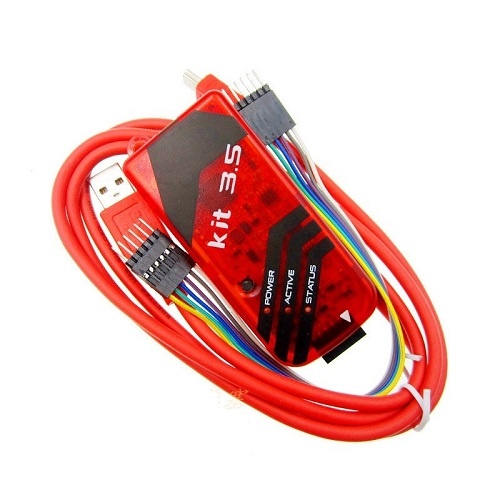
DescriptionNu-Link NuMicro ICP programmer With Cable In-Circuit programming target chipOnline/offline programming modeBackup flash data of target chip (If the target chip is not flash protected)Backup offline flash data of Nu-Link dongle (if offline data has been unprotected)Write software serials number (SN) to target chipLimit the maximum programming countData encryption for online/offline programmingBatch mode for online/offline programming2 Preparing for ICP Programming Tool2.1 System RequirementsThe hardware and software requirements for installing the ICP Programming Tool systemare as follows:PC/AT compatible machine with Pentium or higher CPUXVGA(1024*768) color monitorAt least 512M RAM for best performanceAt least 20M free disk spaceWindows 2000/XP/Vista/72.2 Hardware InstallationStep 1: Plug USB cable into the USB port of the ICP Programming Tool board.Step 2: Connect the ICP Programming Tool board with ICE interface of DEV board.2.3 Software InstallationPlease run the installer package to install the softwareOperation Modes of ICP Programming Tool and Nu-Link DongleThis chapter describes operation modes of the ICP Programming Tool and Nu-Linkdongle.3.1 ICP Programming Tool ModesThe ICP tool supports “online” and “offline” programming mode.3.1.1 Online Programming ModeIf the “Offline programming mode” option in Figure 4-14 is unchecked, ICPProgramming Tool will program in online programming mode.Click the “Start” button in Figure 2-2 to start to program target device immediately.The target device must be connected to Nu-Link.3.1.2 Offline Programming ModeIf the “Offline programming mode” option in Figure 4-14 is checked, the ICPProgramming Tool will program in offline programming mode.Click the “Start” button to save the file data into Nu-Link at first, no matter a targetdevice is connected to Nu-Link or not.